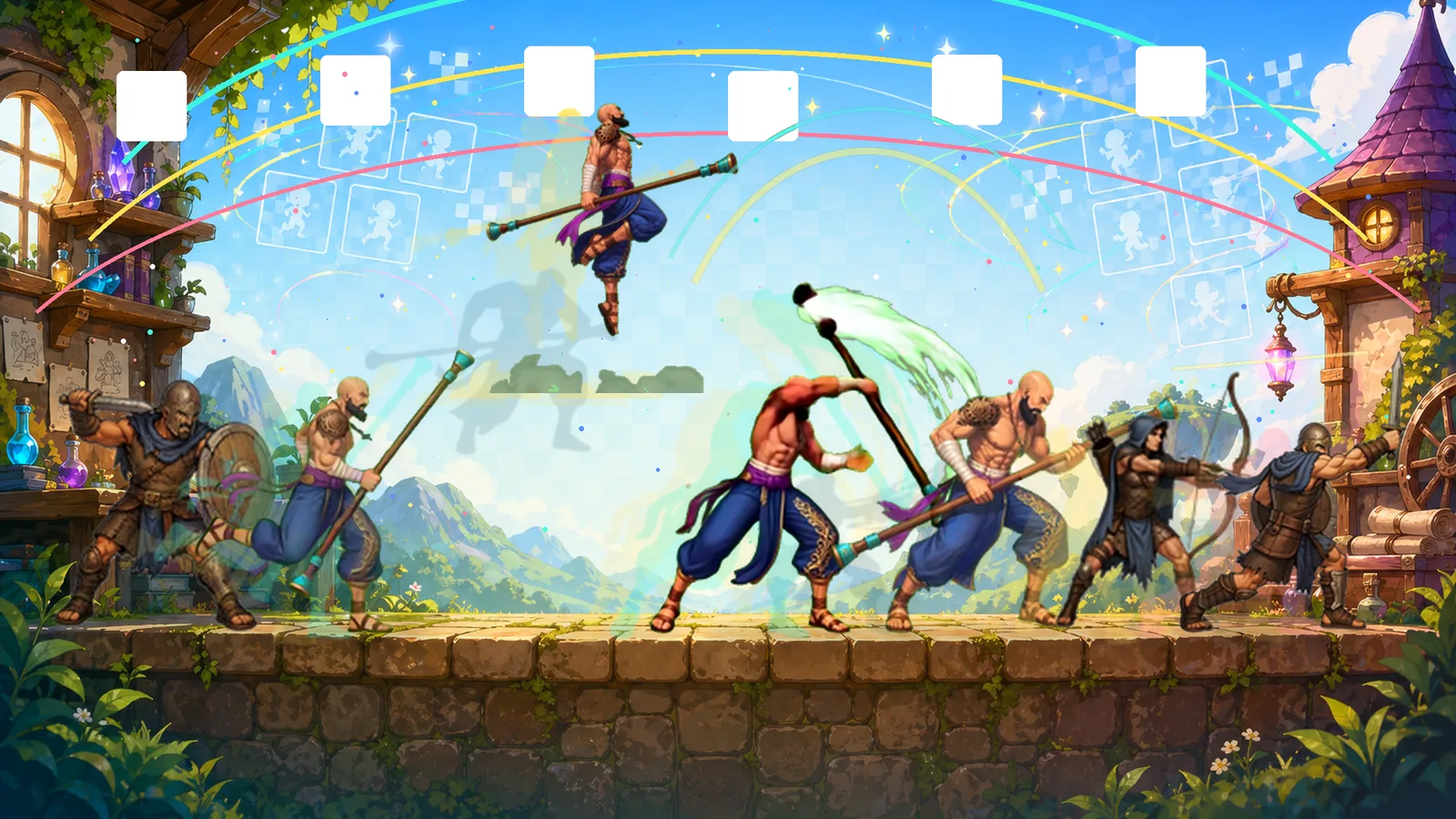

Inside the skill
- Reusable agent instructions for running the complete video-to-sprite-sheet pipeline
- Prompting guidelines for both image and video models so source art and motion stay consistent
- Python tools for frame extraction, light-background matting, cleanup, resizing, contact sheets, and frame selection
- Validation checks for clipping, duplicate frames, motion pops, scale drift, transparency, margins, and output size
- Export workflow for engine-ready sprite sheets and individual frame cells
- Static HTML sprite viewer with manifest generation for browsing final sheets
Useful for
- Turning AI-generated animation videos into structured game-ready sprite assets
- Replacing placeholder game art with consistent 2D animation sheets
- Giving coding agents repeatable production steps instead of loose visual judgment
- Cleaning transparent or chroma-keyed frame sequences before final sprite-sheet export
What you get
- Installable agent skill folder
- All pipeline scripts
- Static sprite sheet viewer
- Workflow references and setup docs
- Installer script for manual installation
Skill / Game AssetsPublic repo
Sprite Sheet Pipeline Skill
A portable agent skill for turning animation videos or frame sequences into clean, validated 2D sprite sheets. It gives your coding agent a complete production workflow: shape better prompts for image and video models, extract frames, remove light or keyed backgrounds, clean and resize sprite cells, export sheets and individual frames, generate previews, write JSON validation reports, and browse the final output in a static HTML sprite viewer.
Agent skillPython toolsSheet exportHTML viewer
Inside the skill
- Reusable agent instructions for running the complete video-to-sprite-sheet pipeline
- Prompting guidelines for both image and video models so source art and motion stay consistent
- Python tools for frame extraction, light-background matting, cleanup, resizing, contact sheets, and frame selection
- Validation checks for clipping, duplicate frames, motion pops, scale drift, transparency, margins, and output size
- Export workflow for engine-ready sprite sheets and individual frame cells
- Static HTML sprite viewer with manifest generation for browsing final sheets
Useful for
- Turning AI-generated animation videos into structured game-ready sprite assets
- Replacing placeholder game art with consistent 2D animation sheets
- Giving coding agents repeatable production steps instead of loose visual judgment
- Cleaning transparent or chroma-keyed frame sequences before final sprite-sheet export
What you get
- Installable agent skill folder
- All pipeline scripts
- Static sprite sheet viewer
- Workflow references and setup docs
- Installer script for manual installation